
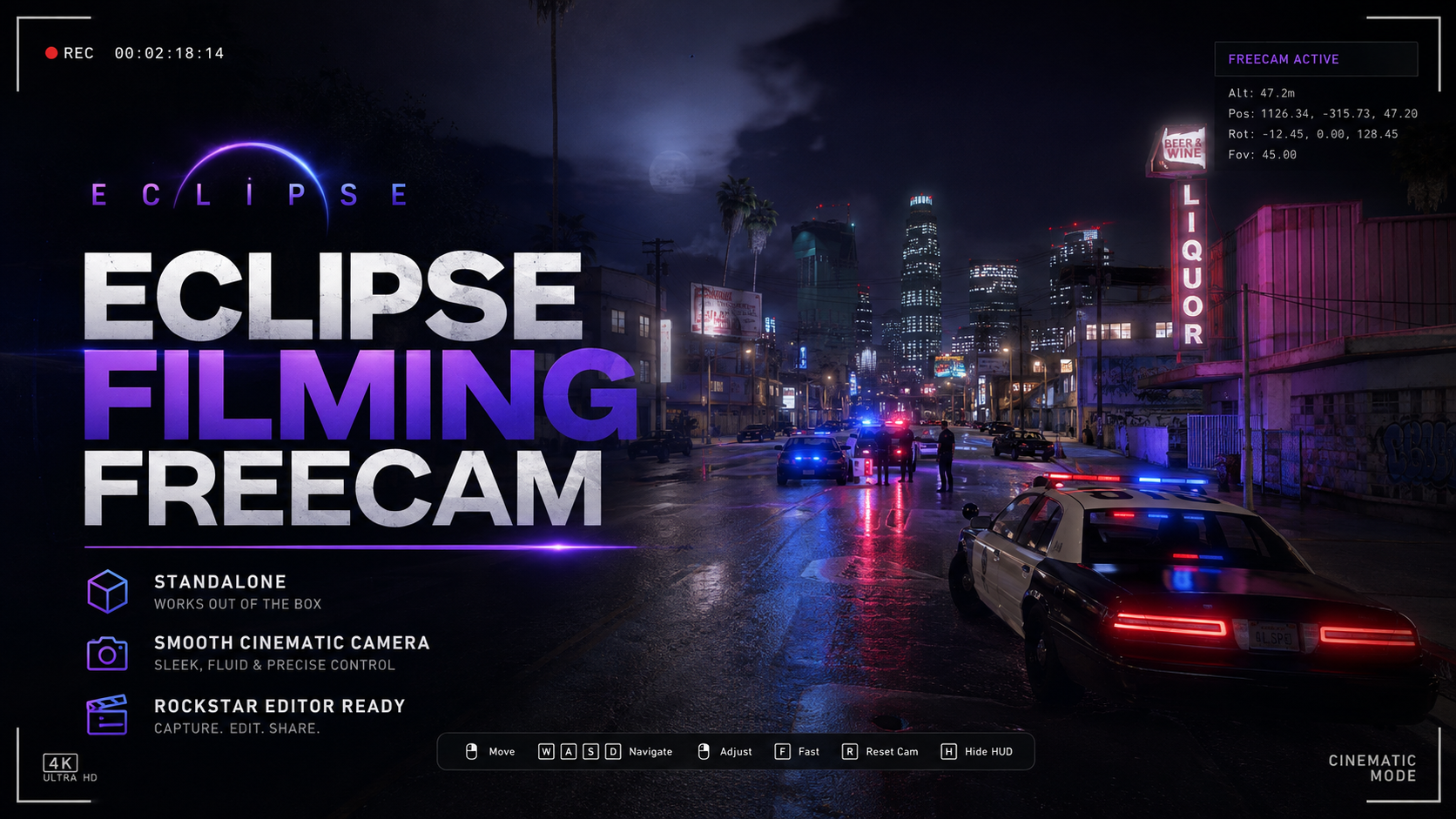
Eclipse FreeCam
Photos & videos
Check your server setup
Select your framework and optionally list resources you already use.
Description
🎥 Eclipse Filming Freecam Eclipse Filming Freecam is a lightweight standalone cinematic camera system for FiveM, built for content creators, server trailers, screenshots and professional in-game filming. It gives players a smooth free-moving camera with full mouse control, adjustable movement speeds, cinematic zoom and direct Rockstar Editor recording support — all without needing Qbox, QBCore or ESX. ✨ Main Features 🎬 Smooth cinematic freecam 🎥 Built-in Rockstar Editor recording 💾 Automatically stops and saves recordings 🖱️ Full mouse camera movement 🔍 Smooth mouse-wheel zoom ⚡ Fast movement with Shift 🐢 Precision/slow movement with Ctrl ↕️ Full vertical camera movement 🎭 Keeps existing player animations/emotes running 🔒 Freezes the player safely while filming 🖥️ Clean filming controls HUD 🚫 Removes distracting GTA recording/status notifications ⌨️ Rebindable Rockstar recording key ⚙️ Completely standalone 🚀 Lightweight client-side resource 🎮 Controls /filming Open / close filming freecam W / S Forward / backwards A / D Left / right Q / E Down / up Mouse Look around Shift Fast camera movement Ctrl Slow / precision movement Mouse Wheel Smooth zoom F6 Start Rockstar Editor recording F6 Again Stop + save recording 🎞️ Rockstar Editor Integration Press F6 while using the freecam to begin recording a Rockstar Editor clip. Press it again to: Stop → Save → Use the clip inside Rockstar Editor If you leave filming mode while recording, Eclipse Filming Freecam automatically stops and saves the clip so recordings aren't accidentally left running. 🎭 Animation Friendly Unlike basic freecam scripts that constantly reposition your ped, Eclipse Filming Freecam freezes the player once when filming begins. This allows existing idle animations and emotes to continue while you freely move the camera around the scene. 📦 Framework Standalone No Qbox, QBCore or ESX dependency required. Perfect for FiveM cinematics, TikToks, YouTube videos, trailers, police scenes, server advertisements and professional screenshots.
Frequently bought together
Popular additions to pair with this product.
Customer reviews
Anyone can review this product at any time. No account or purchase is required. Confirmed purchases and free downloads are marked as verified automatically.
Leave a review
Your review is public and helps other server owners. Anyone can post a review at any time — no account, purchase or download is required.